2. Installation
There are 2 ways to provision a forge: through forj command line or the forj portal.
2.1. Forj command line
You use the forj command line to provision forges on a private cloud or a public cloud of your choice. The command line also helps you integrate forge creation and management in your own environment. For example, if you have a catalog of services that you offer, and that you want to make forges available, the command line will help you achieve this objective. Finally, the command line is also how you can create your own blueprint or edit an existing one. See the developer guide for more information on developing for Forj.
For more information include installation and man page on the Forj CLI page.
2.2. Forj portal
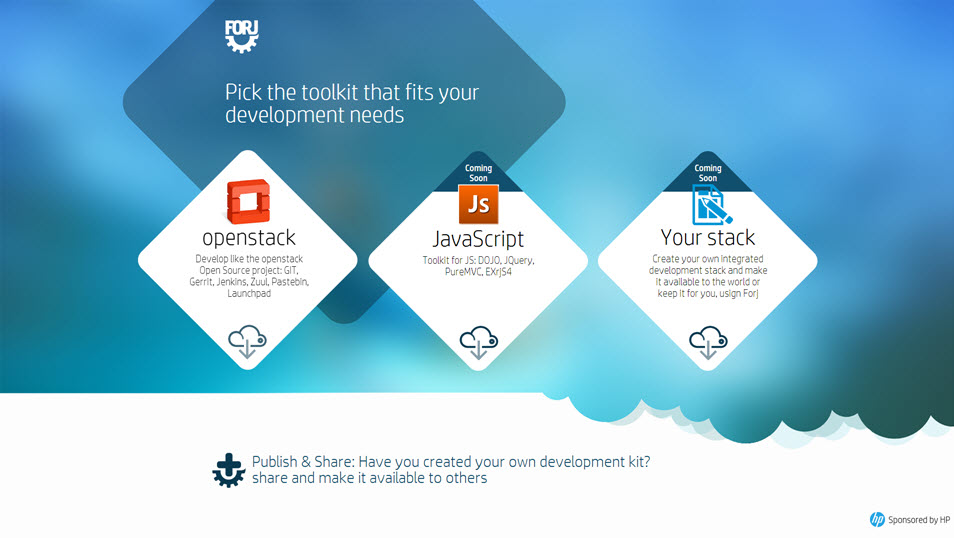
You can use Forj’s portal to install a forge on HP Public Cloud or an OpenStack compatible public cloud. If you are an enterprise, you can also make forj available through your IT services portal. As an enterprise, you can replicate such portal and offer “forges as a service”. Forj’s portal uses HP CSA product .
The portal will ask you the credentials of your cloud so that it can provision the forge automatically. If you are not comfortable with this, or want to install forges in a private cloud, you should use “Forj command line”.